
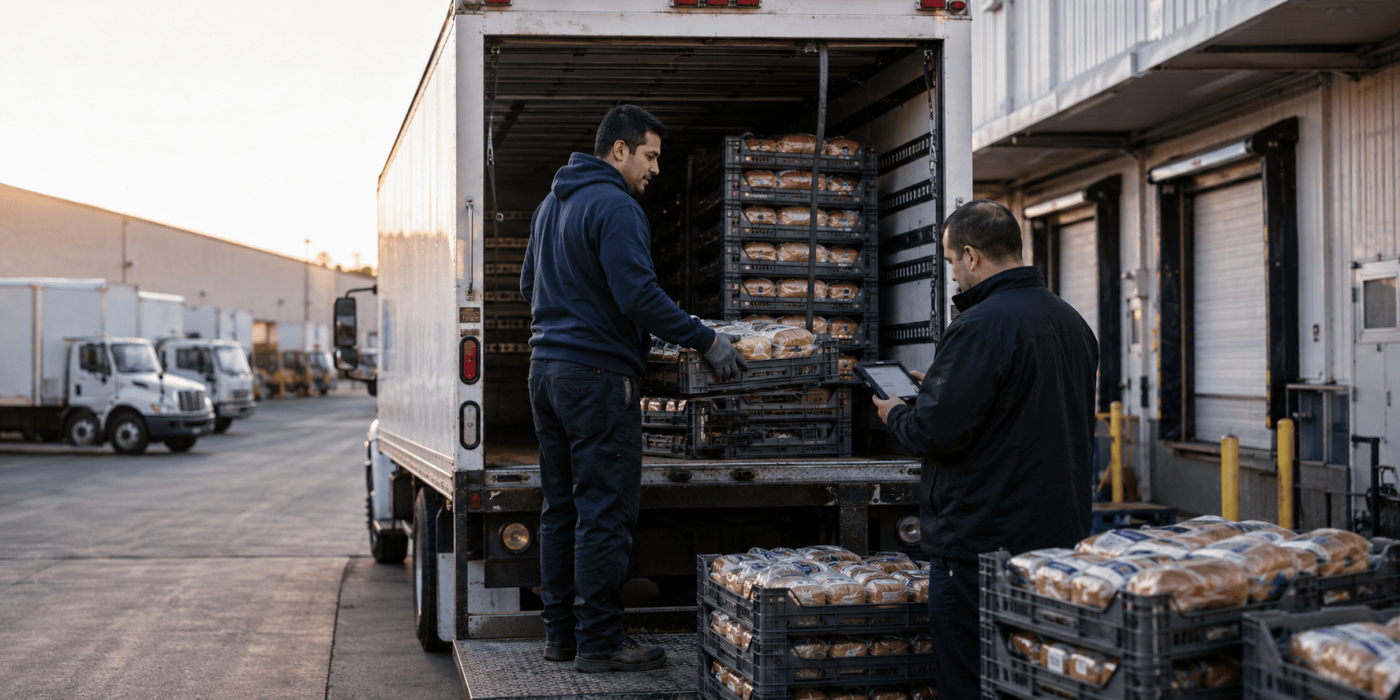
Paper manifests, spreadsheet schedules, phone calls, and handwritten invoices may support a small delivery business. As the operation grows, these disconnected tools create delays, duplicate work, and avoidable mistakes.
Managers start calling drivers for updates. Warehouse teams struggle to explain stock differences. Customer service cannot confirm what happened at a store. Finance waits for paperwork before correcting an invoice or closing a transaction.
When you digitize delivery operations, you connect order preparation, loading, route execution, inventory, delivery confirmation, billing, and reconciliation in one workflow. You do not simply replace paper with a mobile screen.
A successful digital transition should reduce administrative work for drivers and give managers faster access to reliable information. It should also create one operational record that every authorised team can use.
You do not need to replace every process at once. Start with the points where information gets lost, delayed, duplicated, or misunderstood.
Map the Actual Delivery Day Before Choosing Software
Follow one order from creation to final reconciliation before you compare software platforms. Record how the warehouse prepares the order, how staff load the vehicle, how dispatch assigns the route, and how the driver records changes at the store. Include returns, damaged products, partial deliveries, payments, and rejected items. This process often reveals duplicate work. A warehouse employee may update a spreadsheet, a driver may receive a printed route sheet, dispatch may communicate changes by phone, and finance may type the final quantities again. Mapping the real workflow helps you identify which steps create delays and which decisions require human approval. It also shows whether drivers need offline access, mobile printing, inventory tools, or customer-specific instructions. Choose technology only after you understand these operational requirements.
Convert Important Handoffs into Digital Events
Turn each major delivery action into a clear digital record that updates the same workflow.
- Create the order: Store the customer, products, quantities, delivery window, pricing, and delivery instructions in one record.
- Assign the route: Connect the order to a driver, vehicle, route, and delivery date without printing route sheets.
- Load the vehicle: Record which products and quantities move from warehouse stock into the truck.
- Start the route: Capture the driver’s departure time and compare it with the planned schedule.
- Arrive at the store: Record a time-stamped arrival so dispatch can follow route progress.
- Confirm delivered quantities: Let the driver update the actual quantities instead of assuming they match the original order.
- Record returns and credits: Capture damaged, expired, refused, or incorrect items with a clear reason.
- Collect proof of delivery: Attach signatures, photographs, timestamps, recipient details, and notes to the transaction.
- Complete billing: Update the invoice using actual deliveries, returns, discounts, and credits.
- Close the route: Reconcile remaining stock, returned products, payments, and unfinished stops.
This approach captures information once, at the moment the work happens.
Give Drivers One Workflow Instead of More Admin
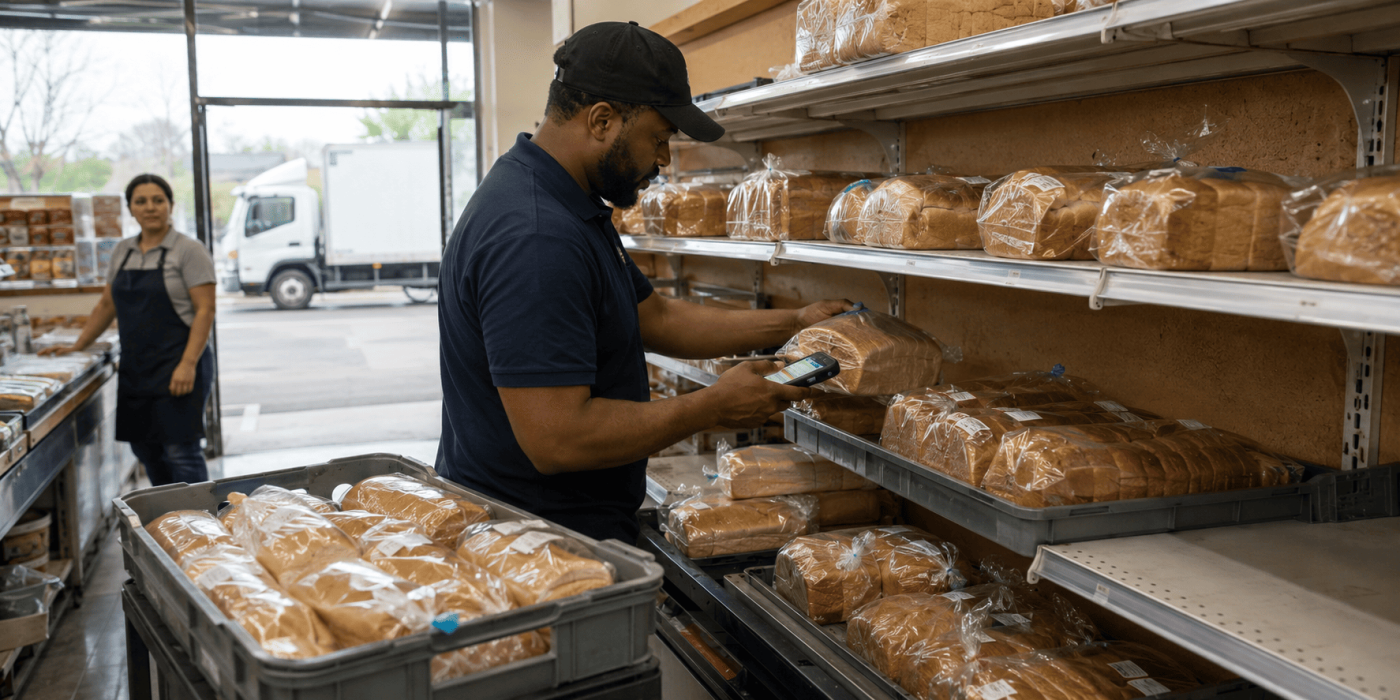
Driver adoption often determines whether a digital rollout succeeds. The mobile workflow should follow the driver’s real sequence: review the route, open the next customer, check the order, confirm arrival, record quantities, enter returns, collect proof, complete billing, and close the stop. Drivers should not switch between separate apps for navigation, messaging, photos, inventory, and invoicing. Keep required fields limited to information that supports a decision, invoice, customer record, or audit. The system also needs to support weak connectivity. Drivers may work in rural areas, storage rooms, basements, or buildings with poor mobile coverage. An offline-capable app allows them to continue working and synchronise later. Train drivers with realistic problems, including shortages, rejected items, missing recipients, changed quantities, and failed payments.
Make Operational Visibility Part of the Digital Design
A digital delivery system should show more than a vehicle’s location. Managers need to see what the warehouse loaded, when the route started, which stops the driver completed, what quantities each store received, and which issues still require attention. GPS supports this process, but location data cannot explain what happened during a customer visit. True visibility connects route activity with inventory, orders, credits, billing, and proof of delivery. Distributal’s guide to improving delivery visibility beyond basic tracking explains why delivery visibility should cover the full workflow from warehouse loading to route checkout. Use this end-to-end view when you decide which events and statuses your system must capture. Dispatch, warehouse, customer service, and finance should all rely on the same current delivery record.
Choose Technology by the Bottleneck It Removes
| Operational problem | Capability to prioritise | Expected improvement |
|---|---|---|
| Staff build routes manually every morning | Route planning and reusable templates | Faster planning and more consistent routes |
| Dispatch calls drivers repeatedly | Live route and stop updates | Earlier detection of delays and failed stops |
| Warehouse and vehicle stock do not match | Warehouse-to-vehicle inventory transfers | Clearer stock accountability |
| Drivers use several disconnected apps | Unified mobile delivery workflow | Less duplicate entry and fewer missed steps |
| Delivered quantities differ from invoices | Delivery-linked billing | More accurate invoices |
| Staff poorly document returned products | Structured return and credit reasons | Better inventory records |
| Customers dispute deliveries | Digital proof of delivery | Faster access to signatures, photos, and notes |
| Routes pass through low-signal areas | Offline mobile operation | Continued work without paper backups |
| Managers depend on weekly spreadsheets | Real-time dashboards | Faster operational decisions |
| Existing systems already hold business data | APIs and integrations | Less duplicate maintenance |
Choose the platform that removes your most expensive errors and delays. A long feature list matters less than a workflow that fits your drivers, products, customers, and routes.
Connect Inventory, Delivery, and Billing Records
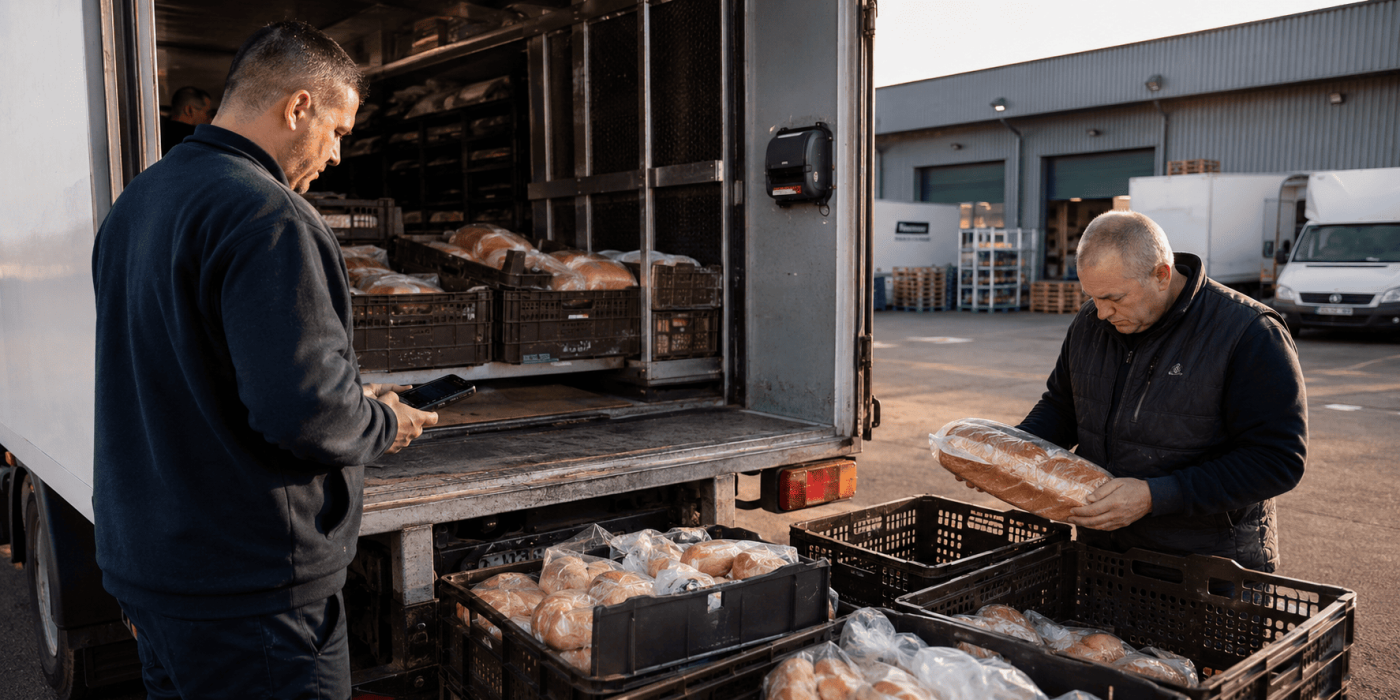
Inventory should move through the digital workflow with the driver and the order. Before departure, record the stock that moves from the warehouse into the vehicle. Each completed delivery should reduce vehicle stock according to the actual quantity delivered. Record returns, damaged products, expired goods, and rejected items separately from sellable inventory. At the end of the route, compare the expected remaining stock with the driver’s physical count. This process helps managers identify where shortages begin without reconstructing the day from paper records and phone calls. It also improves billing because the invoice reflects the customer’s actual delivery. The system should connect loading, item counts, credits, billing, and checkout within the same transaction. When separate tools handle these steps, employees still need to reconcile the records manually.
Introduce the New Process Route by Route
A phased rollout protects daily operations and gives your team time to correct problems.
- Set a baseline: Measure planning time, failed stops, invoice corrections, stock differences, missing paperwork, and reconciliation time.
- Choose a representative pilot: Select a normal route with realistic customers, delivery volume, and common exceptions.
- Clean essential data: Standardise customer names, addresses, products, prices, service windows, and payment terms.
- Configure the core workflow: Start with assignment, loading, delivery, proof, billing, and reconciliation.
- Train with real scenarios: Practise partial deliveries, returns, shortages, rejected goods, unavailable recipients, and offline operation.
- Verify the records: Compare digital results with the old process for a short period.
- Review driver feedback: Identify unnecessary taps, unclear instructions, missing options, and slow screens.
- Correct issues before expansion: Fix repeated problems during the pilot rather than spreading them across the fleet.
- Expand in manageable groups: Add similar routes gradually so support remains effective.
- Remove old workarounds: Stop using private spreadsheets, paper forms, and chat messages once the digital record proves reliable.
A phased approach works only when the business sets a clear endpoint for the old process.
Use the New Data to Correct Operational Friction
Digital tools create detailed data, but dashboards alone do not improve delivery performance. Managers need to use the data to identify repeated problems and change the process behind them. Track a focused group of metrics, such as actual departure time, completed stop rate, failed delivery reasons, service time, inventory variance, credit frequency, proof-of-delivery completeness, and checkout accuracy. Review exceptions instead of relying only on averages. One customer may create repeated delays because the system contains the wrong receiving hours. A high return rate may point to a product quality issue rather than a driver error. Vehicle stock differences may begin during loading. Connected digital records help managers review route activity, inventory movement, customer actions, and billing changes together. Use each pattern to improve route order, customer instructions, warehouse checks, required fields, or driver training.
Build a Connected Operation, Not Just a Paperless One
A business does not complete its digital transformation simply because drivers stop carrying printed route sheets. A connected operation allows an order to move from preparation through loading, delivery, proof, billing, and reconciliation without forcing employees to recreate the same information. Drivers receive clearer tasks. Dispatchers follow progress without interrupting routes. Warehouse teams understand how stock moves between locations and vehicles. Customer service can explain delivery outcomes using current records. Finance can review invoices that reflect actual quantities and credits. Managers can identify recurring problems through structured data. To digitize delivery operations successfully, start with the real workflow, solve the most expensive information gaps, and introduce the new process in controlled stages. Technology should reduce uncertainty and administrative work. When the system becomes easier for drivers, clearer for managers, and more reliable for customers, digitisation becomes part of the operating model.
References
- Distributal — DSD Distribution Software and Fleet Management Details the mobile-first Direct Store Delivery (DSD) platform covering real-time route optimization, inventory forecasting, offline sync, and proof-of-delivery (PoD) workflows.
- Apple App Store — Distributal Mobile App Product listing outlining driver-side delivery tools, real-time status updates, on-site invoice generation, mobile printer support, and transfer tracking.
- Amazon Web Services — AWS Last Mile Delivery Architecture Technical overview of cloud-based last-mile planning, dynamic route adjustment, operational reliability, and logistics cost optimization.
- Microsoft Learn — Telematics Integration Framework for Dynamics 365 Enterprise reference architecture detailing message-based telemetry synchronization for live route tracking and automated ETA updates.
- GS1 — Supply Chain Traceability Standards Sets global standards for capturing critical tracking events (CTEs) and key data elements across receiving, packing, transport, and delivery points.
- NIST — Enterprise Mobile Device Security Guidelines (SP 800-124 Rev. 2) Cybersecurity guidelines for securing enterprise fleet mobile hardware, managing app life cycles, encrypting local data, and enforcing remote access controls.
