The Best Small Distributor Software In the high-stakes world of food distribution, the difference between a profitable month and a “spoiled” one often comes down to 30 seconds. That is the time it takes for a driver to realize a product is out of stock, or for an office admin to manually fix a typo on a paper invoice.
For small to mid-sized (SMB) food distributors, the “old way” of doing things—carbon copy receipts, spreadsheets, and “checking the warehouse later”—is no longer just slow. It is a financial liability.
If you are looking for the best small distributor software, you aren’t just looking for an app; you’re looking for a way to reclaim your margins. In this guide, we’ll break down the top-tier solutions for 2026 that prioritize mobile speed, offline reliability, and inventory precision.
Why Small Food Distributors Are Ditching Spreadsheets in 2026
The food industry has unique pressures that general retail doesn’t face. You deal with FEFO (First-Expired, First-Out) logic, “catch weights” for meat and produce, and the constant pressure of DSD (Direct Store Delivery).
In 2026, the market has shifted. Small distributors are no longer competing just with each other; they are competing with tech-enabled giants. To stay relevant, you need software that provides:
- Real-Time Traceability: Know exactly which lot went to which store in case of a recall.
- Route Optimization: With fuel prices and driver shortages, an extra 5 miles on a route is a profit killer.
- Instant Invoicing: Getting paid faster starts with an invoice that is generated the moment the box hits the shelf.
The Best Small Distributor Software Solutions for 2026 (Top 5)
1. Distributal: Best for Mobile-First Field Teams
If your business lives in the truck rather than the office, Distributal is the standout choice for 2026. It is designed specifically for “boots on the ground” teams who need a mobile-first experience.
- Core Strength: Blazing fast on-site operations. You can create and print an invoice in under 30 seconds.
- Key Feature: Offline-First Architecture. Food delivery often happens in basements of grocery stores or remote areas where 5G is a myth. Distributal works perfectly without internet and syncs when you’re back in range.
- Best For: DSD (Direct Store Delivery) teams and wholesale businesses supplying local retail.
2. Zoho Inventory: Best for Micro-Distributors
For the very small operation—perhaps a startup specialty food brand—Zoho offers an affordable entry point. It integrates seamlessly with accounting software like Zoho Books or QuickBooks.
- Core Strength: Affordability and ecosystem.
- Key Feature: Simple multi-channel syncing.
- Best For: Small teams managing under 50 orders a month who need a “free to start” model.
3. Entrée by NECS: Best for Specialized Food Needs
Entrée has been a staple in the food industry for years, and their 2026 cloud updates keep them competitive. They understand the “language” of food—cut weights, temperature zones, and nutritional labels.
- Core Strength: Deep industry-specific functionality.
- Key Feature: Inventory tracking by “Catch Weight” (essential for meat and seafood).
- Best For: Specialty meat, seafood, and produce distributors.
4. Odoo Inventory: Best for Scalability
Odoo is an open-source ERP that allows you to start small and add “bricks” as you grow. You can start with just Inventory and Sales, then add Manufacturing or CRM later.
- Core Strength: Extreme customization.
- Key Feature: Modular app structure.
- Best For: Growing distributors who want to avoid switching software 3 years down the road.
5. Fishbowl Inventory: Best for QuickBooks Power Users
If your office is built on QuickBooks, Fishbowl is often the bridge to professional-grade distribution.
- Core Strength: Deep QuickBooks integration.
- Key Feature: Advanced barcoding and asset tracking.
- Best For: Distributors who have outgrown QuickBooks’ native inventory but aren’t ready for a $50k ERP.
Must-Have Features in Small Distributor Software
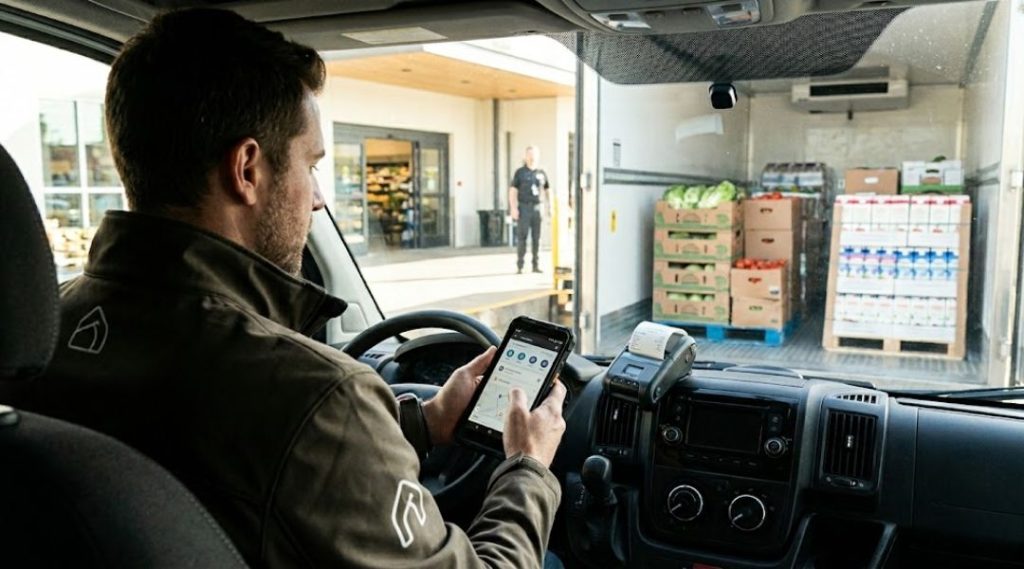
When evaluating a small distributor software platform, don’t get distracted by flashy dashboards. Focus on the “Four Pillars of Field Success”:
🧾 1. On-Site Invoicing & Printing
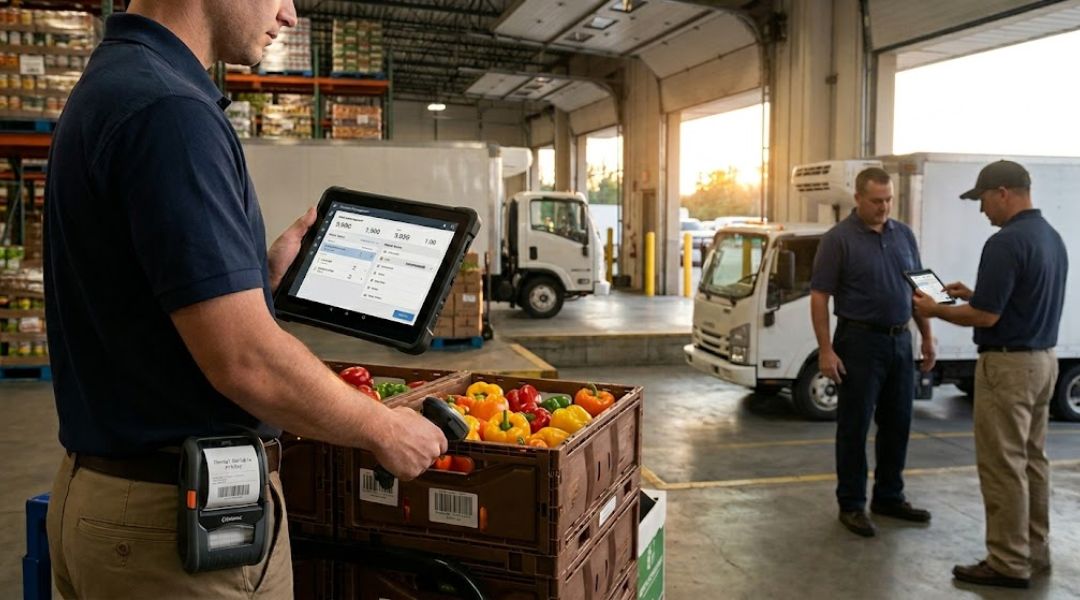
Your software must support mobile printing. Whether it’s a rugged Zebra (80mm/100mm) printer or a universal 58mm Bluetooth thermal printer, your drivers should be able to hand a physical receipt to the store manager immediately.
📦 2. Hybrid Inventory Management
Small distributors often have “ghost inventory”—stock that is physically on a truck but “officially” still in the warehouse in the system. Your software should allow for Stock Transfers (Warehouse → Truck) so you know exactly what is available for sale at any moment.
📶 3. True Offline Mode
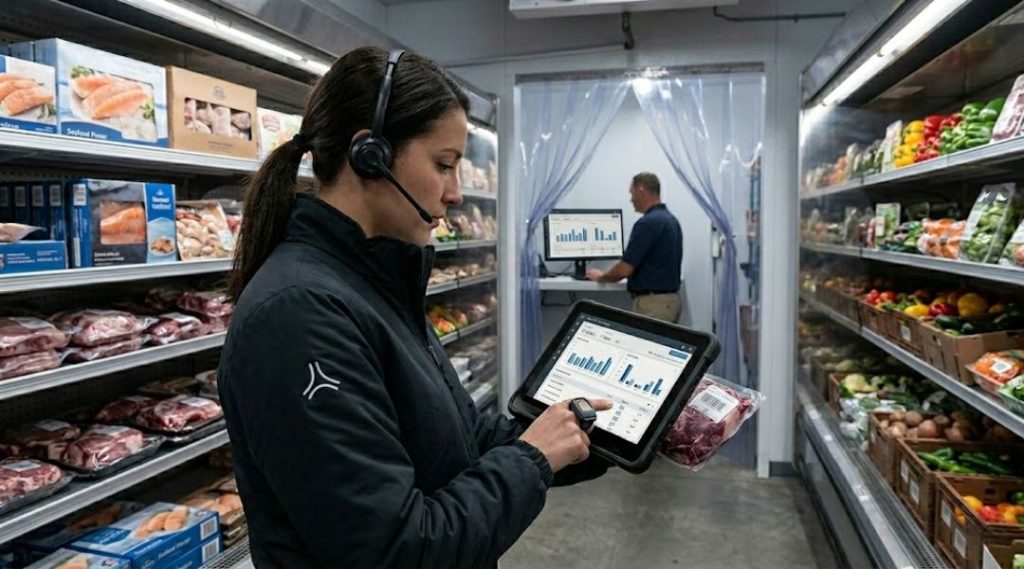
In 2026, “Cloud-based” is standard, but “Cloud-only” is a trap. If your driver can’t scan a barcode because the walk-in freezer blocks the signal, the software has failed. Look for apps that allow full functionality offline.
🔄 4. Returns & Credit Memo Support
Food distribution involves a lot of “stale” returns or damaged goods. If it takes your office three days to process a return, your customer service suffers. The field team should be able to handle returns directly on the app.
How to Choose: A Quick Decision Matrix
| If your priority is… | Choose… |
| Field Speed & Driver Ease | Distributal |
| Deep Food Compliance (FSMA) | Entrée |
| Lowest Possible Cost | Zoho Inventory |
| Total Business Customization | Odoo |
| QuickBooks Integration | Fishbowl |
Implementation Strategy: How to Switch Without the Headache
Transitioning to new small distributor software can feel like changing the engine while the car is driving 70 mph. Here is the 2026 “Clean Switch” protocol:
- The “Data Scrub”: Before importing your SKUs, delete anything you haven’t sold in 12 months. Clean data = fast software.
- The “Power User” Pilot: Don’t roll it out to all 10 drivers at once. Pick your most tech-savvy driver and have them run the app for one week.
- Parallel Runs: For the first three days, have the driver do the digital invoice and a quick paper backup just in case. Once they feel the speed of the digital version, they’ll never want to go back.
Final Thoughts: The ROI of Efficiency
At the end of the day, small distributor software is an investment in your time. By cutting down invoice creation from 5 minutes to 30 seconds, and eliminating manual data entry in the office, a small distributor with 5 trucks can save over 40 hours of labor per week.
In the competitive landscape of 2026, that 40 hours is the difference between surviving and scaling.
Ready to modernize your distribution?
If you’re looking for a solution that was built for the field, check out Distributal. It’s the mobile-first answer to the complexities of modern food distribution.
Get Started with Distributal Today
Ready to streamline your field operations? Experience the speed of mobile-first invoicing and real-time inventory management yourself. The Distributal app is now available for download on all major platforms